
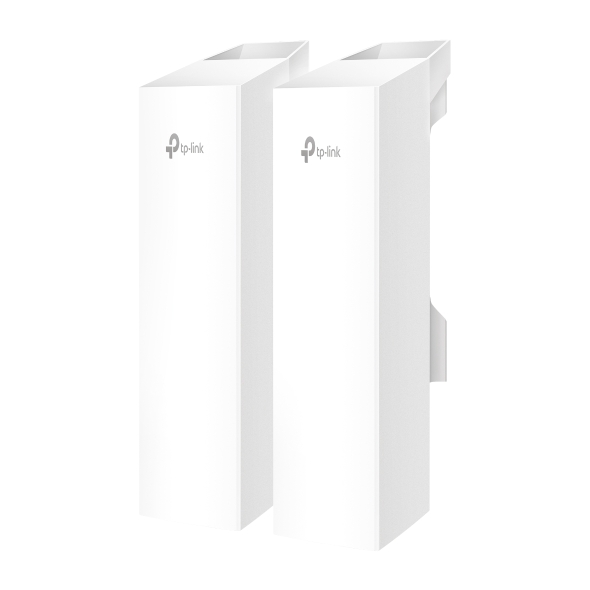
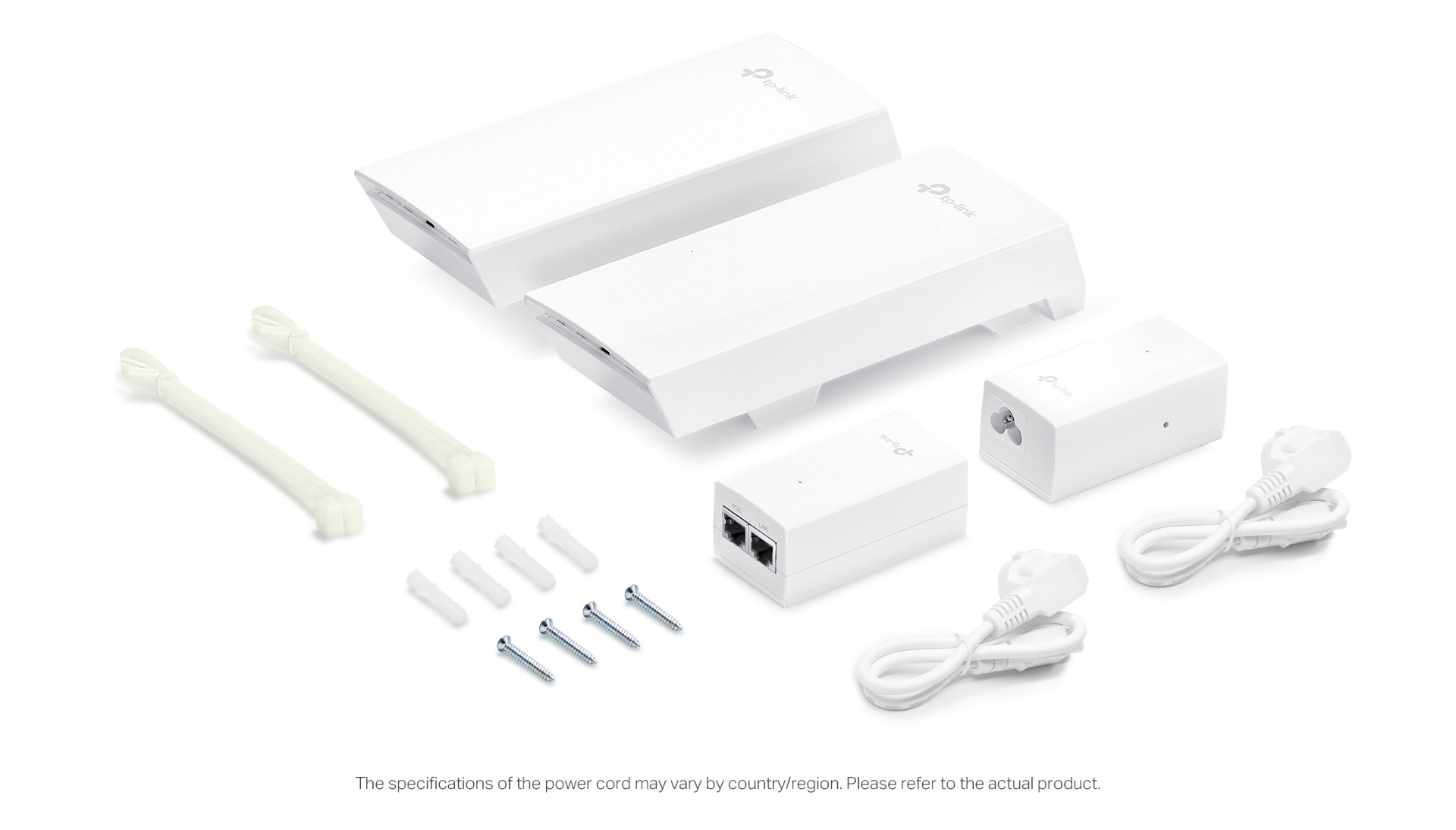
Description
Technical Specifications
| Item | Description |
|---|---|
| Wi-Fi Standards | 5 GHz: IEEE 802.11a/n/ac |
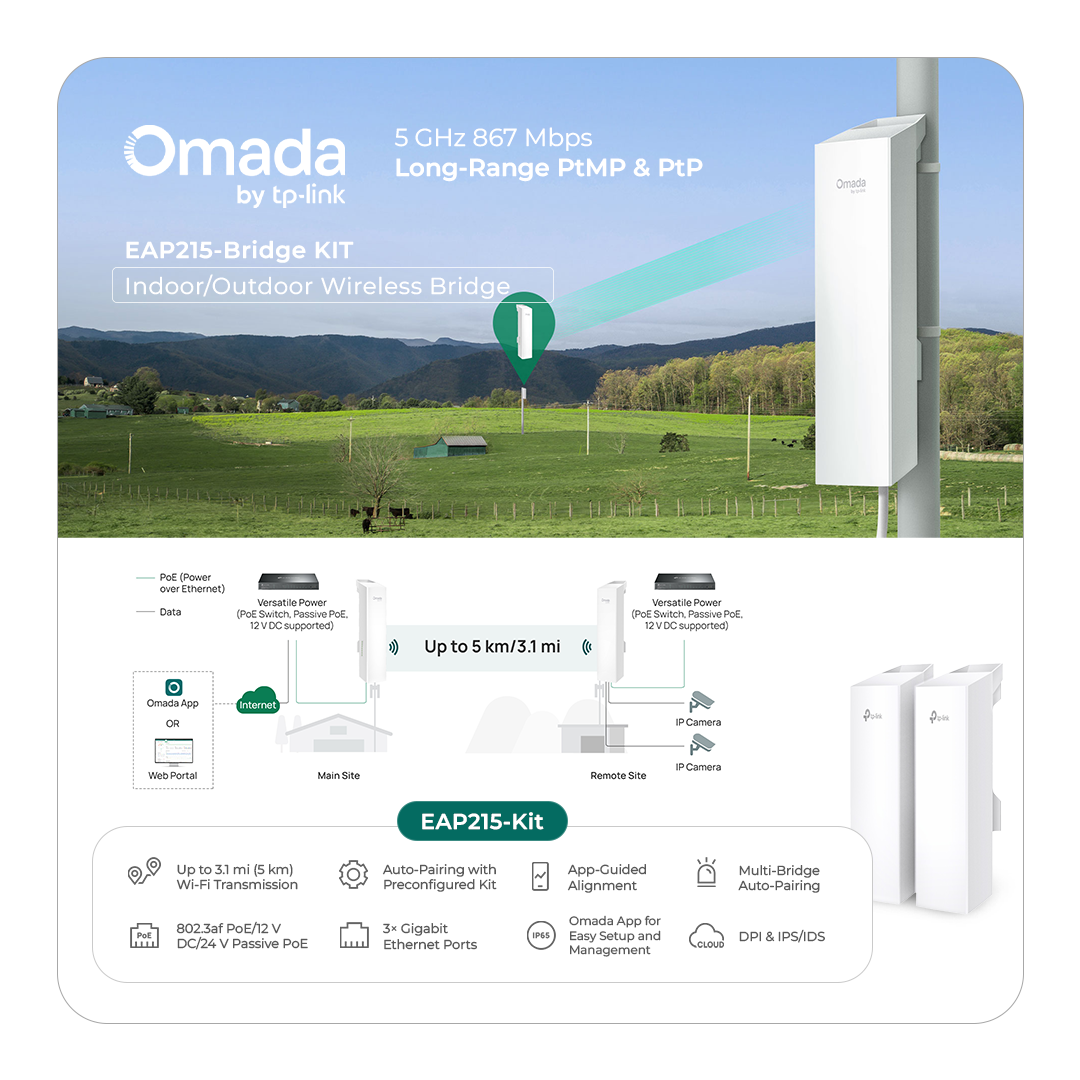
| Transmission Distance | 5km |
| 802.11ac | Spatial Streams |
| Frequency Bands |
5.150 to 5.250 GHz U-NII-1 5.250 to 5.350 GHz U-NII-2A (DFS Channel) 5.470 to 5.725 GHz U-NII-2C (DFS Channel) 5.725 to 5.850 GHz U-NII-3/ISM *Note: Country-Specific Restriction Apply |
| Bandwidth | 5 GHz: 20 MHz/40 MHz/80 MHz |
| Wireless Data Rate |
• 5 GHz: 8.6 Mbps to 866 Mbps (MCS0-MCS9, NSS=1 to 2, VHT20/40/80) |
| Radio Technology |
OFDM (Orthogonal Frequency-Division Multiplexing) |
| Modulation Type | 256-QAM. 64-QAM, 16-QAM, QPSK, BPSK |
| Frame Aggregation |
• A-MPDU (Aggregate MAC Protocol Data Unit) for Tx/Rx • A-MSDU (Aggregate MAC Service Data Unit) for Tx/Rx |
| 802.11n | Spatial Streams |
| Frequency Bands |
5.150 to 5.250 GHz U-NII-1 5.250 to 5.350 GHz U-NII-2A (DFS Channel) 5.470 to 5.725 GHz U-NII-2C (DFS Channel) 5.725 to 5.850 GHz U-NII-3/ISM *Note: Country-Specific Restriction Apply |
| Bandwidth | 20 MHz/40 MHz |
| Wireless Data Rate |
• 5 GHz: 8.6 Mbps to 300 Mbps (MCS0-MCS7, NSS=1 to 2, HT20/40) |
| Radio Technology |
OFDM (Orthogonal Frequency-Division Multiplexing) |
| Modulation Type | 64-QAM, 16-QAM, QPSK, BPSK |
| Frame Aggregation |
• A-MPDU (Aggregate MAC Protocol Data Unit) for Tx/Rx • A-MSDU (Aggregate MAC Service Data Unit) for Tx/Rx |
| Item | Description |
| Antenna | Wi-Fi |
| IoT | • None |
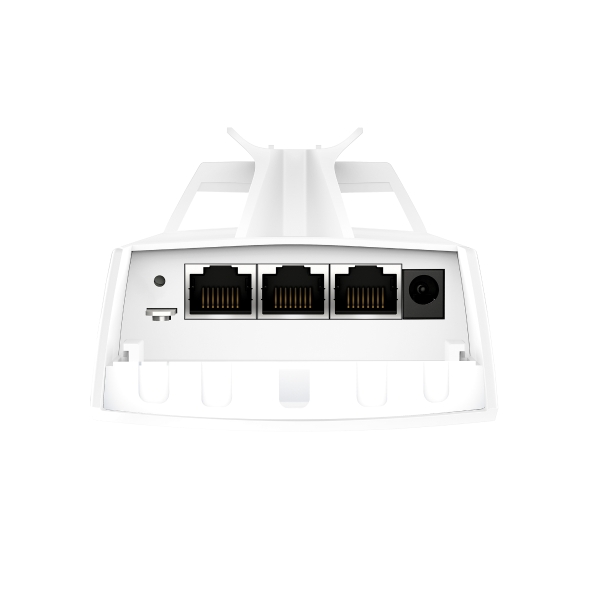
| Interfaces | • 3 x 10M/100M/1000Mbps Gigabit Ethernet Port (RJ45) |
| IoT | None |
| Memory | • Flash: 128Mbit • DRAM: 1024Mbit |
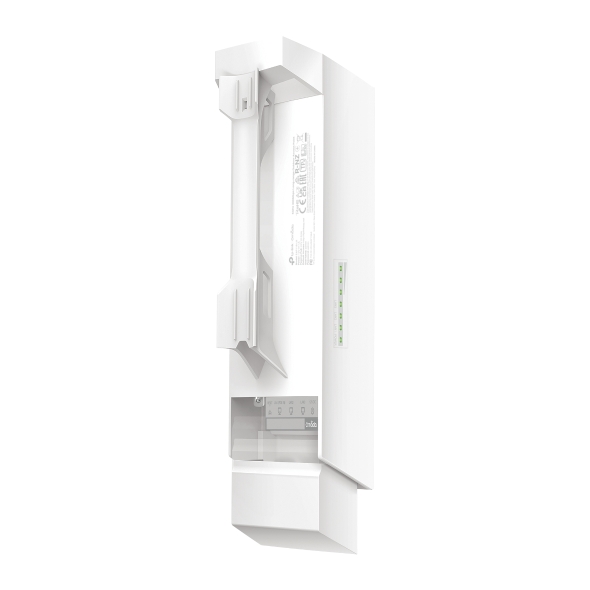
| Button | 1 × System Mode Selection Button: Slide the switch to switch the device roles (Main AP or Client AP) ‡ 1 × Pair/Reset button : Press the button for longer than 5 seconds to make the device restore to factory settings; Press this button on the Main AP and the Client AP to establish a network connection. |
| Indicator | 1x system LED: • On: Working normally/Initializing • Off: Working abnormally/Power off/LED is turned off. • Flash: • Flashes twice: Initialization is complete. • Flashes quickly: The AP is resetting, or the Omada Controller is locating the device • Flashes once per second: The AP is upgrading. • On with periodic off: The AP is in the isolated state. 3 × LAN LEDs On: The port is connected but not active. Flash: The port is connected and active. Off: The port is not connected. 3 × Singal LEDs • On: • Working as Main AP: All LEDs remain solid during normal operation. • Working as Client AP: More lit LEDs indicates better wireless signal strength. • ‡ Blinking: Pairing • Off: No signal |
| Reliability | MTBF (Mean Time between Failure) |
| Power Supply | Input |
| Output | / |
Reviews
There are no reviews yet.